Geistr Tutor
Learning should not begin with a course catalogue, but with what genuinely matters to you.
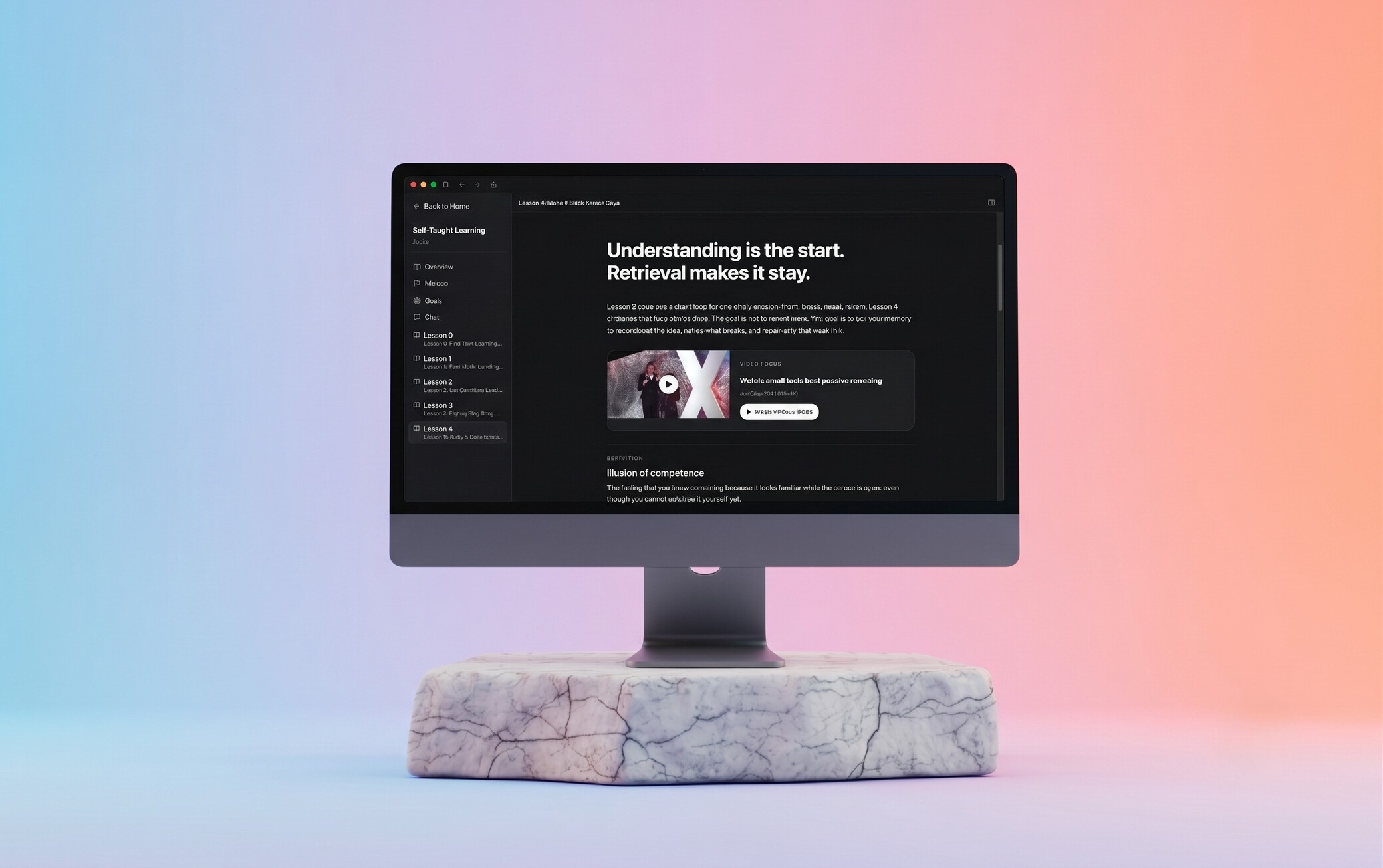
Built solo, from the first idea to the shipped product.
Geistr Tutor turns a personal question, source, or real project problem into an active learning journey—with lessons, questions, feedback, and visible evidence instead of completion alone.
Download Beta (v0.1.0-beta.3)From a source to your own work
The strongest learning moments do not begin with a fixed course for me. They begin with a question, documentation, a video, or a real problem that appears while building. Geistr Tutor is my attempt to deliberately turn that kind of learning into a product.
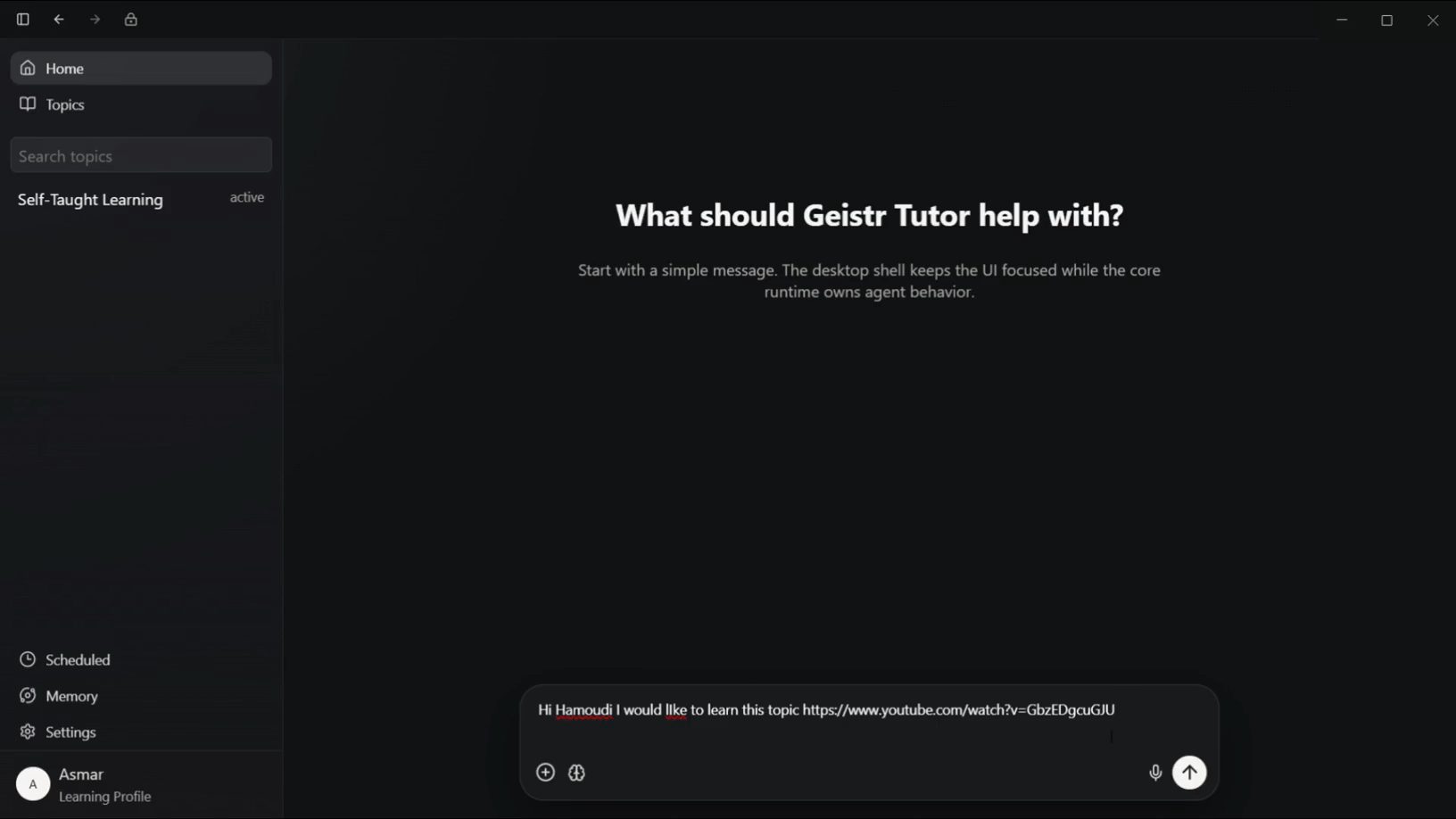
The starting point is therefore neither a generic chat nor a course catalogue. Learners bring a goal or material: a YouTube video, article, paper, or concrete project question. Tutor clarifies the mission, considers existing knowledge, and creates a lasting topic workspace rather than one forgotten conversation.
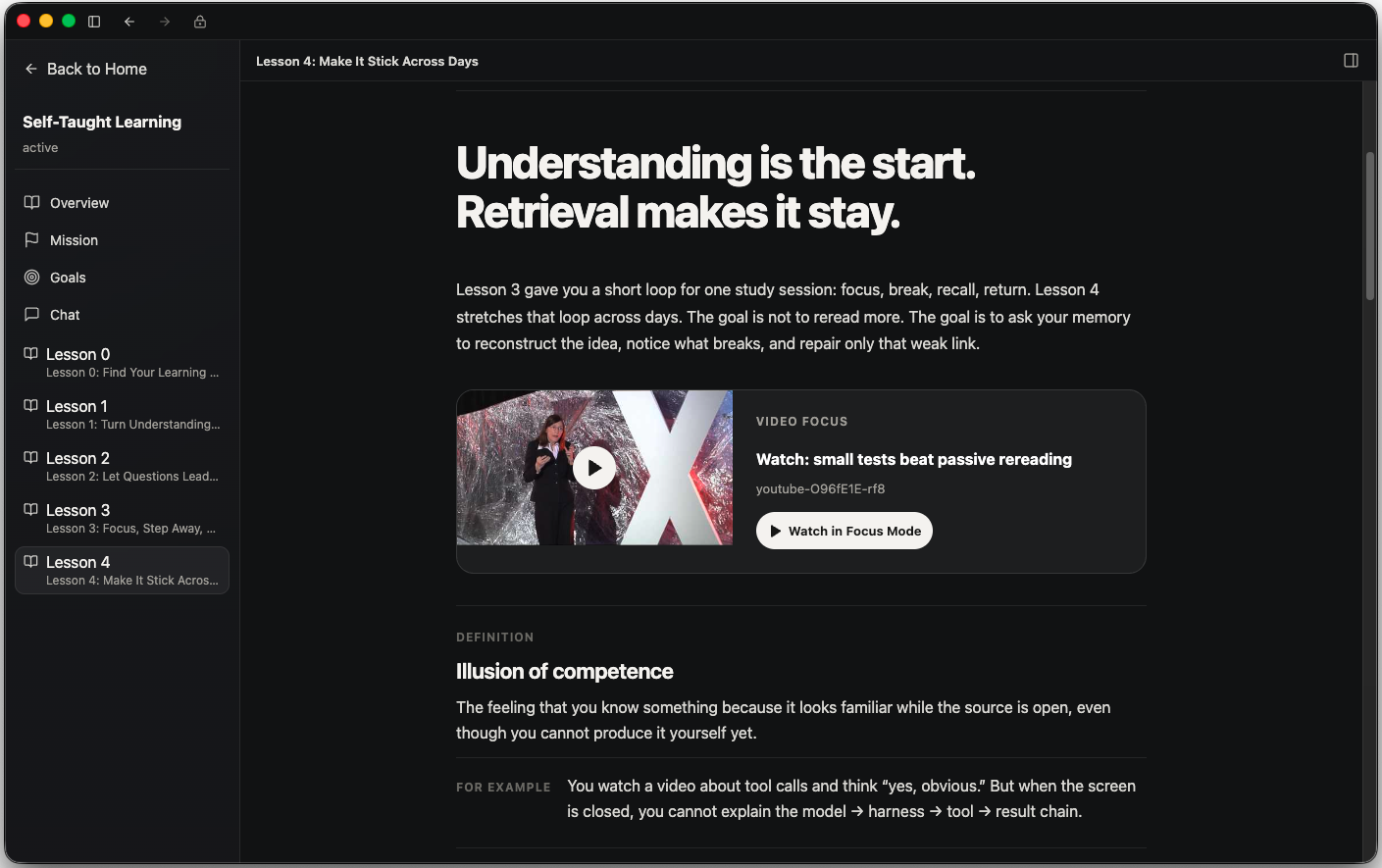
Focused lessons & active workspace
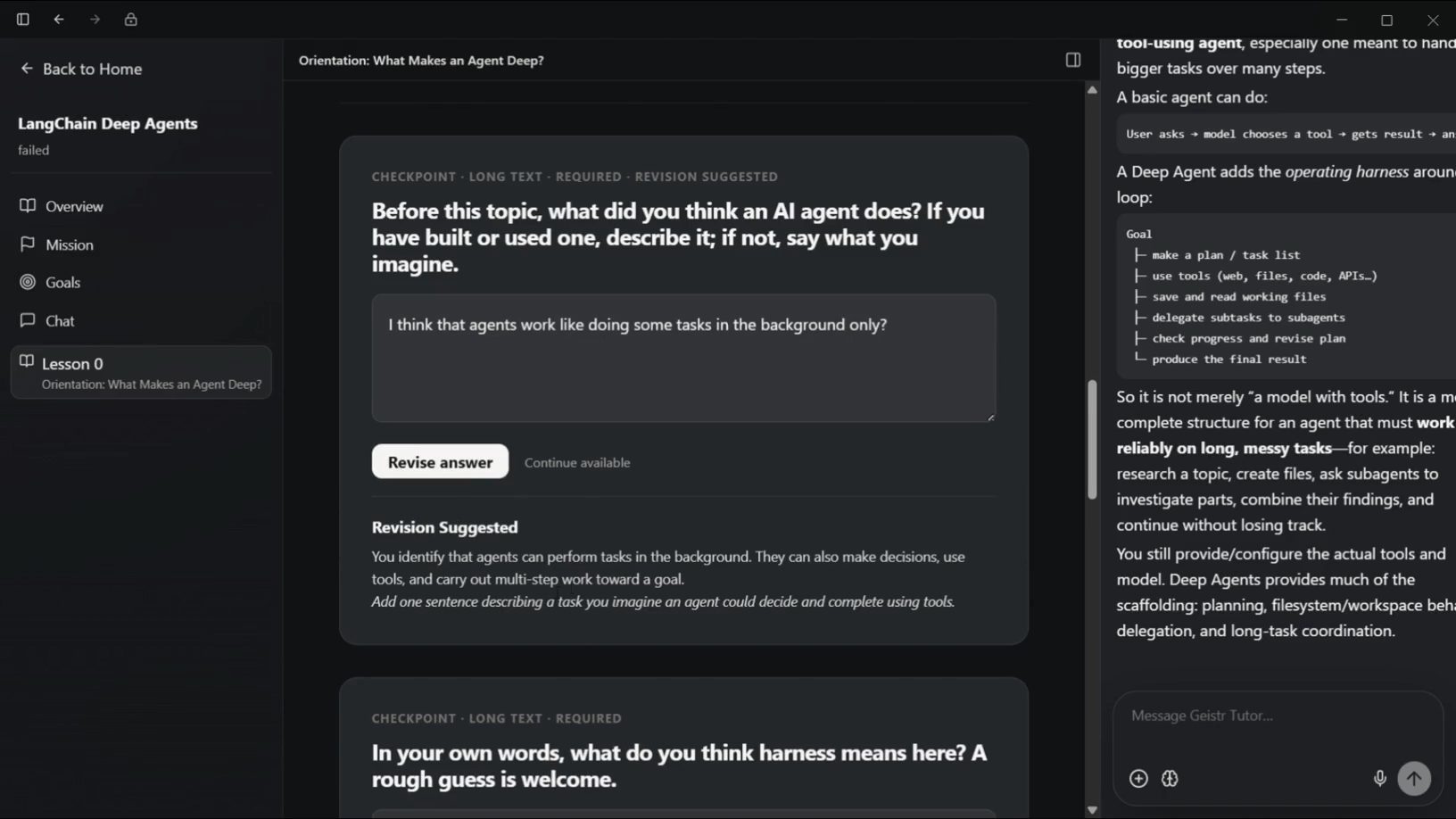
Lessons in Geistr Tutor are designed as calm, rich working surfaces rather than long walls of generated text. They combine concise explanations, visual material, examples, and activities with contextual assistance.
If you encounter a confusing term or want to explore deeper while reading, you can ask directly beside that exact context without having to explain the entire situation again.
Video Focus Mode & contextual learning
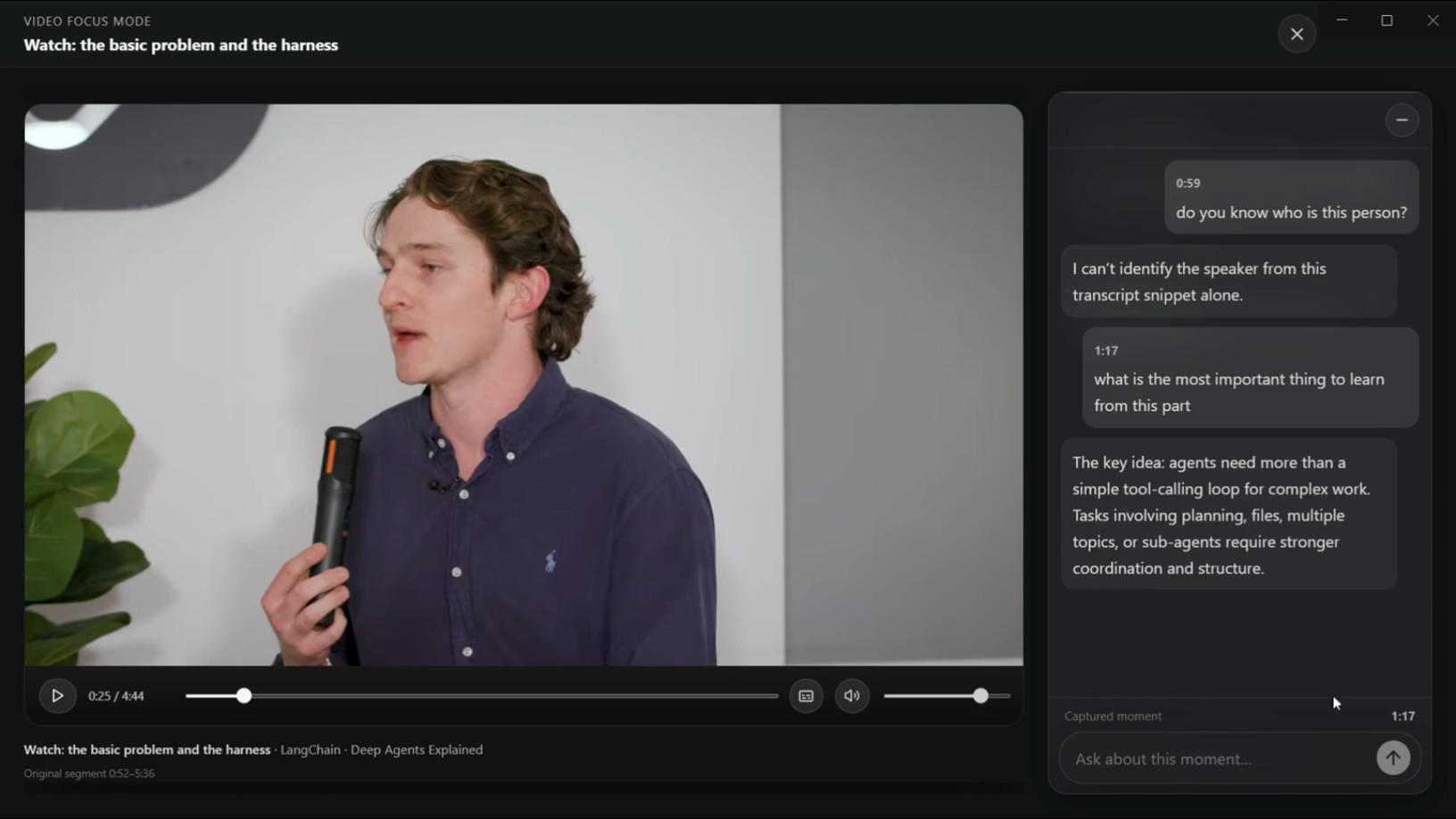
Video tutorials often lead to passive watching and unnoticed gaps in understanding. The Video Focus Mode in Geistr Tutor brings a relevant video segment, learning notes, and timestamp-aware questions together into a single dedicated view.
Instead of watching passively, you actively reflect, apply concepts, and convert video content into demonstrated understanding.
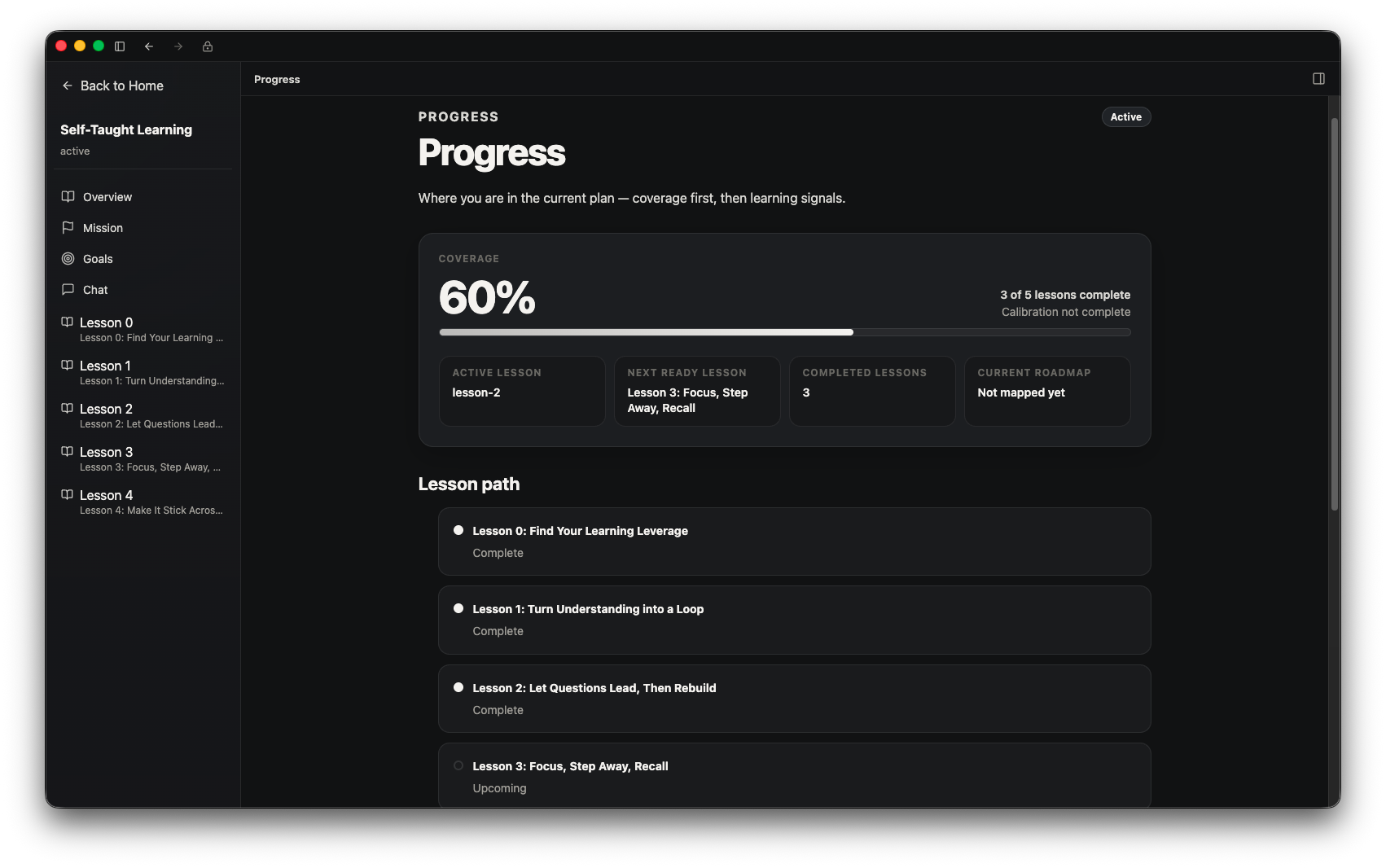
Progress that means more than completion
Opening a lesson does not prove understanding. Geistr Tutor connects concise explanations, sources, activities, and contextual questions to real work: explanations in your own words, application, correction, and artefacts. Feedback stays where that work happened.
Test Geistr Tutor in Public Beta
The public beta (v0.1.0-beta.3) is available now for Windows x64 and Apple Silicon macOS. Visit the official download page for the latest installers and step-by-step setup guides.